Lerobot setup#
SO101 WebSim Follower + DexSuite Teleoperation#
Summary (High-Level)
Repo: EITHER clone the fork OR copy |
|
Leader Arm: Build SO101 leader arm, install Feetech lib, calibrate and note the |
|
WebSim Follower: |
|
DexSuite: Kill test server & teleop, run |
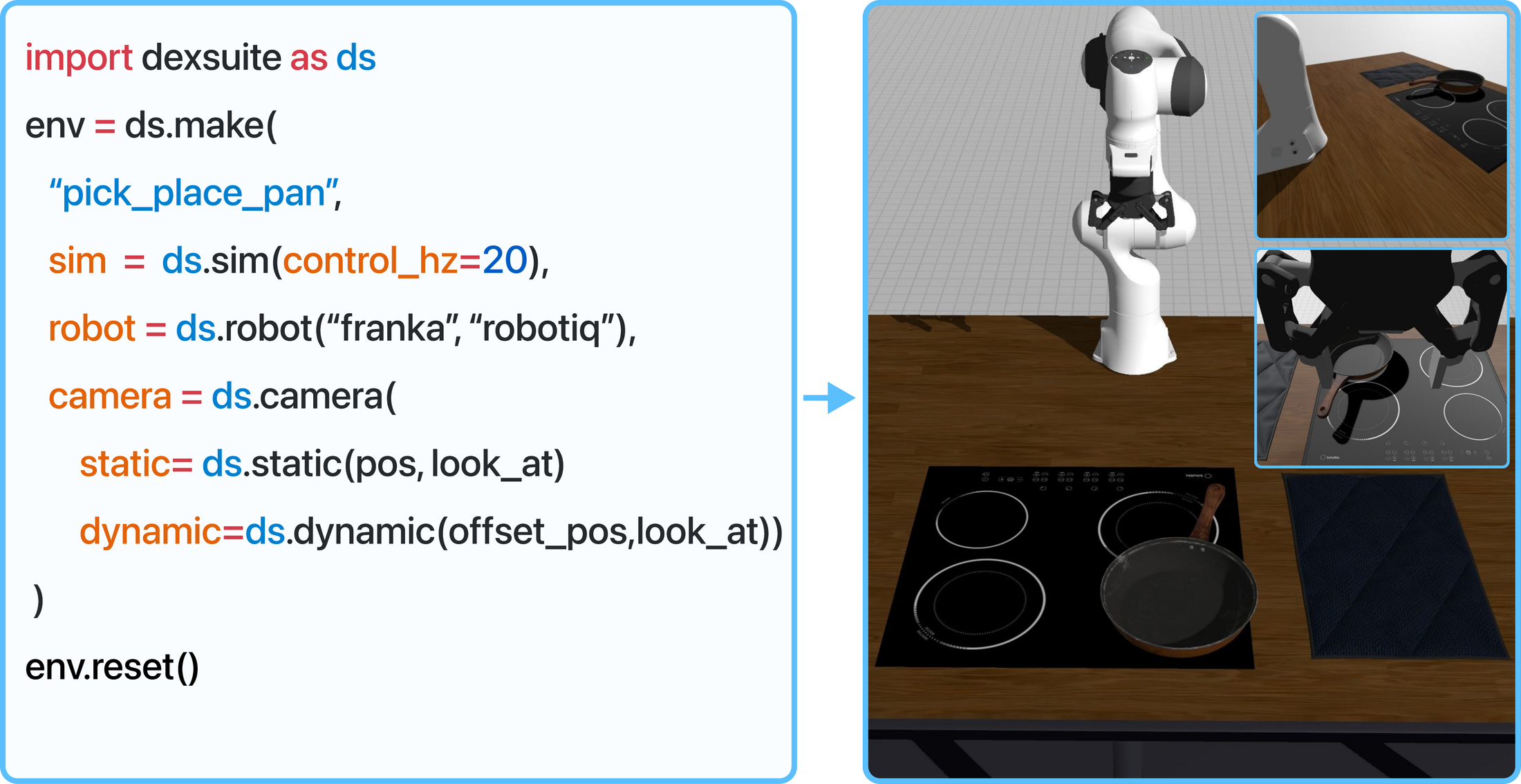
—
## 0. Prerequisites
Working conda environment for LeRobot (and DexSuite if separate).
Python version compatible with LeRobot / DexSuite.
- Access to:
SO101 leader arm (hardware).
DexSuite repo (for
sim_websim_so100.py).
Basic Git and terminal usage.
—
## 1. Get the Code
### Option A: Use the fork (quick start)
git clone https://github.com/BMathi9s/lerobot-dexsuite-sim_follower.git
cd lerobot-dexsuite-sim_follower
This repo already contains the so101_websim_follower integration.
### Option B: Integrate into a fresh LeRobot repo
Clone official LeRobot:
git clone https://github.com/huggingface/lerobot.git
cd lerobot
Copy the follower folder:
Source folder (from the fork / backup):
lerobot/so101_websim_teleoperation/copy of folder and changes made/so101_websim_follower
Destination folder (in the fresh repo):
lerobot/src/lerobot/robots/so101_websim_follower
After copying, you should have:
lerobot/
  src/
    lerobot/
      robots/
        ...
        so101_websim_follower/
          __init__.py
          ...
Register the robot in
utils.py:Open:
lerobot/src/lerobot/robots/utils.pyInside the
if / elifblock that chooses robot classes based onconfig.type, add:elif config.type == "so101_websim_follower": from .so101_websim_follower import SO101WebSimFollower return SO101WebSimFollower(config)
(There is an example of this in the
"copy of folder and changes made"reference.)Add the import in
lerobot_teleoperate.py:Open:
lerobot/src/lerobot/scripts/lerobot_teleoperate.pyEnsure the import block includes
so101_websim_follower:from lerobot.robots import ( # noqa: F401 Robot, RobotConfig, bi_so100_follower, hope_jr, koch_follower, make_robot_from_config, so100_follower, so101_follower, so101_websim_follower, )
—
## 2. Set Up the SO101 Leader Arm
Follow the official SO101 documentation:
Docs: https://huggingface.co/docs/lerobot/en/so101
You must:
Build and wire the SO101 leader arm.
Install the Feetech (Feetch) library and any other required packages.
Run the official SO101 calibration script and note the calibration ID, e.g.:
bluedefaultetc.
You will use this value later as:
--teleop.id=<your_calibration_id>
—
## 3. Environment & Dependencies
Activate your LeRobot conda environment and install websockets:
conda activate <your_lerobot_env>
pip install websockets
Replace <your_lerobot_env> with your actual environment name.
—
## 4. Start the WebSocket Simulation Server (Test Mode)
Open a new terminal, activate the env, and run one of these:
### Option 1: Server under so101_websim_follower
From the repo root:
conda activate <your_lerobot_env>

python lerobot/src/lerobot/robots/so101_websim_follower/server_test/sim_ws_server.py
### Option 2: Example server script
conda activate <your_lerobot_env>

python lerobot/so101_websim_teleoperation/sim_ws_server_example.py
You should see the server listening on:
ws://127.0.0.1:8765
Keep this terminal running.
—
## 5. Run Teleoperation with SO101 WebSim Follower (Test Mode)
Open another terminal, activate the env, and run:
conda activate <your_lerobot_env>

lerobot-teleoperate \
  --robot.type=so101_websim_follower \
  --robot.ws_url=ws://127.0.0.1:8765 \
  --teleop.type=so101_leader \
  --teleop.port=/dev/ttyACM0 \
  --teleop.id=blue \
  --display_data=false
### Key arguments (must be correct)
--robot.type=so101_websim_followerUses the new virtual follower.--robot.ws_url=ws://127.0.0.1:8765Must match the server URL.--teleop.type=so101_leaderUses the SO101 leader as teleop device.--teleop.port=/dev/ttyACM0Replace with the actual serial port of your leader arm.--teleop.id=blueMust match the calibration ID from the SO101 calibration step.
If configuration is correct, you should see:
Data printed in the teleop terminal when moving the leader.
Messages received in the WebSocket server terminal.
If not, see the Debug section below.
—
## 6. Restart / Check Data if Needed
If no data or errors:
Stop both processes (Ctrl+C in each terminal).
Restart the WebSocket server (step 4).
Restart
lerobot-teleoperate(step 5).Confirm you see messages on the server side when you move the leader.
—
## 7. Connect DexSuite WebSim
Now that the test pipeline works, switch to DexSuite.
Kill the test WS server and teleop process (Ctrl+C in both).
In the DexSuite repo root, run:
conda activate <your_lerobot_env>  # or DexSuite env if shared

python dexsuite/scripts/teleoperation/lerobot/sim_websim_so100.py
This script:
Starts the WebSim simulation.
Provides a WebSocket endpoint (usually also
ws://127.0.0.1:8765).
In another terminal, re-run teleop (same as before, adjust env/path as needed):
conda activate <your_lerobot_env>

lerobot-teleoperate \
  --robot.type=so101_websim_follower \
  --robot.ws_url=ws://127.0.0.1:8765 \
  --teleop.type=so101_leader \
  --teleop.port=/dev/ttyACM0 \
  --teleop.id=blue \
  --display_data=false
Move the SO101 leader arm and confirm the simulated arm in DexSuite moves.
—
## 8. Quick Debug Checklist
Nothing moves in DexSuite:
Check DexSuite script (
sim_websim_so100.py) and confirm:It listens on
ws://127.0.0.1:8765(or whatever you use).
Check that
--robot.ws_urlinlerobot-teleoperatematches exactly.
No data from leader:
Confirm
--teleop.portis correct (usels /dev/tty*on Linux to verify).Confirm Feetech lib is installed and SO101 calibration ran without errors.
Confirm
--teleop.id= the calibration ID (e.g.blue).
General order that works well:
Start DexSuite script:
python dexsuite/scripts/teleoperation/lerobot/sim_websim_so100.pyStart teleop:
lerobot-teleoperate --robot.type=so101_websim_follower ...
—
## 9. Final Pipeline
Once everything is configured and running:
SO101 leader arm (hardware)
   → lerobot-teleoperate (so101_leader)
      → so101_websim_follower (virtual follower)
         → WebSocket (ws://127.0.0.1:8765)
            → DexSuite WebSim (sim_websim_so100.py)
You now have a leader-follower teleoperation setup with a virtual SO101 WebSim follower inside DexSuite.